Hotel Rooms Overview
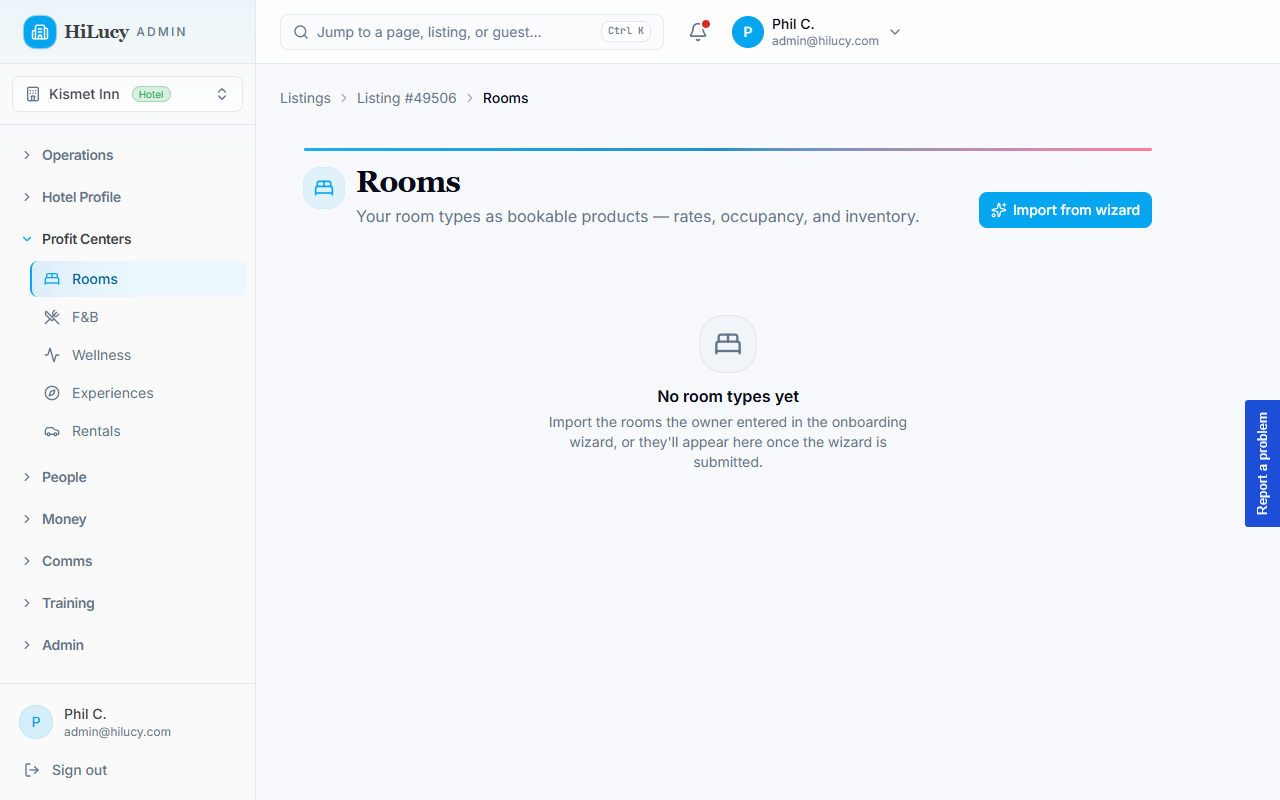
Rooms is the profit center where a hotel listing turns each of its room types into something a guest can book and pay for. It's the hotel analog of the Rentals profit center: one product per room type, priced per night, tracked as inventory, and settled through the same money plumbing as everything else you sell.
What a "room" is here
Each room type is one product. A product like "Driftwood Suite" represents the type, not a single physical room. If you have six identical Driftwood Suites, that's a stock count of 6 on one product, the same trick the rental vertical uses for identical scooters. You don't create six products for six identical rooms.
A room product carries the things a guest cares about: a nightly rate, a rate model (per room or per person), maximum occupancy, bed configuration, view, and how many identical rooms exist.
Who it's for
Rooms only appears for hotel listings. In the admin dashboard the Rooms item lives under Profit Centers in the left navigation, and it's visible to administrators, listing owners, and managers on a listing whose type is Hotel. Vacation-rental listings don't get a Rooms tab; they use the rental and stay flows instead.
Where it lives
Pick a hotel listing to bring it into scope, then open Rooms from the Profit Centers group. The direct path is:
/admin → (choose a hotel listing) → Rooms
which resolves to /admin/listings/<id>/rooms. Everything on the page is scoped to the listing you have in focus.
Draft-first by design
Room types don't go live the moment they're created. Rooms arrive one of two ways, and both land as drafts first:
- Seeded from the onboarding wizard. When an owner describes their rooms during onboarding, HiLucy imports those rooms as draft products. Owners type rates as free text ("$70", "50", "20 per person"), so the seeder parses what it can and flags anything unclear for review rather than guessing.
- Added by hand on the Rooms page.
A human reviews each draft, confirms the rate and occupancy, and clicks Publish. Nothing you didn't check goes on sale. See Setting Up Your Rooms for the full import-and-review flow.
Two badges tell you what still needs attention:
- Draft — the room type exists but isn't published yet.
- Check price — the imported rate didn't parse cleanly or the owner's fields disagreed. The Publish button stays disabled until a valid nightly rate is set, so this is a hard gate, not a suggestion.
How rooms connect to the rest of the platform
Rooms don't live on an island. Room revenue routes through the same profit-center plumbing as your other verticals:
- Reservations. A booked stay is a reservation for that room type across a date range. Because room-night inventory is date-ranged, a booking never permanently decrements absolute stock the way a retail order would; the same rule the rentals vertical follows.
- Folios. Room charges land on the guest's folio under a dedicated room night category, so a guest's nightly rate, add-ons, and room-service orders all settle on one running balance.
- Department reporting. Publishing rooms ensures the listing has a Rooms department, so room revenue shows up in department-breakdown reporting and settlement alongside F&B, wellness, and everything else, with no separate accounting to maintain.
Billing note for hotel plans
The Rooms profit center also feeds how a hotel is billed. On the Standard and Premium plans the property pays a per-room fee, and when Cloudbeds is not connected the count of published rooms is the room count used. Fewer rooms, lower bill. See Room Pricing Models for how guests are charged and Choosing Your HiLucy Plan for the plans (Free, Standard, Premium) on Settings → Billing.