Booking Through Chat
Booking in HiLucy happens inside the conversation. A guest doesn't get bounced to a separate checkout site; the booking sheet, the availability picker, and the payment step all live in chat. This article covers what a guest can book and how each flow finishes.
Rentals and activities
From the Rentals, Tours, or Wellness tiles in EXPLORE, tapping an item opens a booking sheet in the conversation: pick dates, times, or a party as the item requires, and confirm. The same booking can be reached by simply asking Lucy for it, the tile is a shortcut, not the only path.
Rentals with a deposit show it up front. The sheet tells the guest, for example, that a set amount will be held on their card and released at return, so there are no surprises at pickup.
Bulletins with a Book action
Properties post bulletins on the home screen: a yoga class this morning, a sunset sail tonight. When a bulletin is tied to a bookable offering, it carries a Book action right on the card. Tapping it opens the booking sheet in the app, the guest doesn't leave chat to reserve. Bulletins that are purely informational (a maintenance notice, a welcome message) show as-is with no button.
Dining: tables and in-room orders
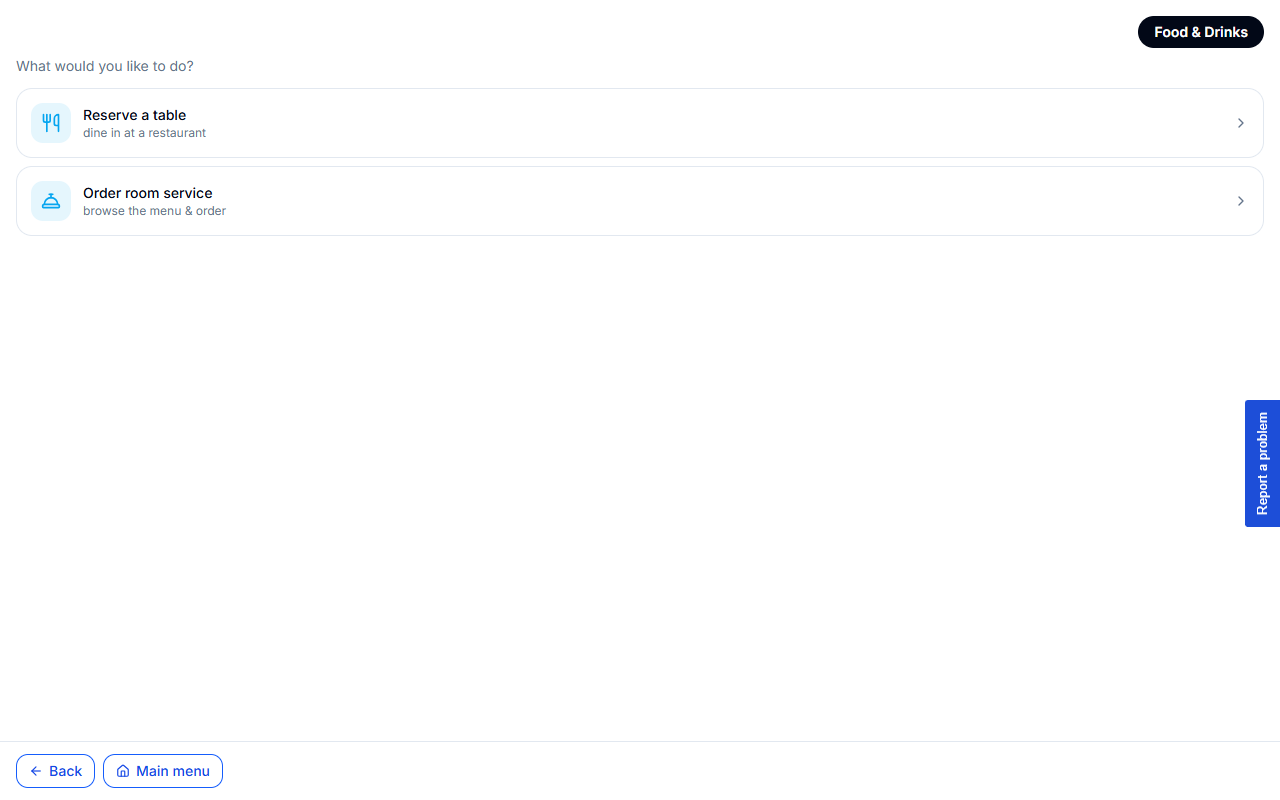
The Food & Drinks tile leads to two choices: Reserve a table or order room service.
Reserve a table
The table flow asks for party size, date, and time, then shows an availability-aware time picker: the times come from the property's real capacity for that date, so full or past slots are greyed out and the guest only picks from genuinely bookable times. No "sorry, that's taken" after the fact.
Order in-room
For room service, the guest browses the menu by outlet, adds items to an order, and checks out. An item can only be added while its outlet is open, so a closed kitchen can't take an order it won't fill.
Charging to the room vs. paying now
How a dining order settles depends on whether the guest is checked in:
- In-house guests charge to the room. When a folio is open, the order goes straight onto it and the confirmation reads "Charged to your room." No card step, the order is sent to the kitchen immediately.
- Everyone else pays per order. When there's no open folio, the order needs payment first. The confirmation shows "Awaiting payment," the guest completes payment, and only then is it confirmed. HiLucy nudges with a gentle "Complete payment to confirm your order."
Deposits and follow-ups
For bookings that require a deposit, HiLucy holds the amount on the guest's card rather than charging it, and tells them when it's released (for rentals, at return). If a booking needs a card and one isn't on file yet, the flow prompts for payment before it confirms, so a booking is never left in limbo without a way to collect.
Promo codes at the payment step
When a rental booking reaches its payment stage, the guest can enter a promo code beside the total. A valid code applies its discount to the total in place, showing the credit and the new amount before they pay. The code lives on the payment step, not buried earlier in the flow, so it's applied against the final price the guest actually pays.
The through-line
Whatever the guest books, the pattern is the same: choose in chat, see real availability and any deposit up front, and finish either by charging the room (if they're in-house) or paying in the same conversation. It all lands on their My Bookings and My Folio views, which they can reopen from EXPLORE at any time.